


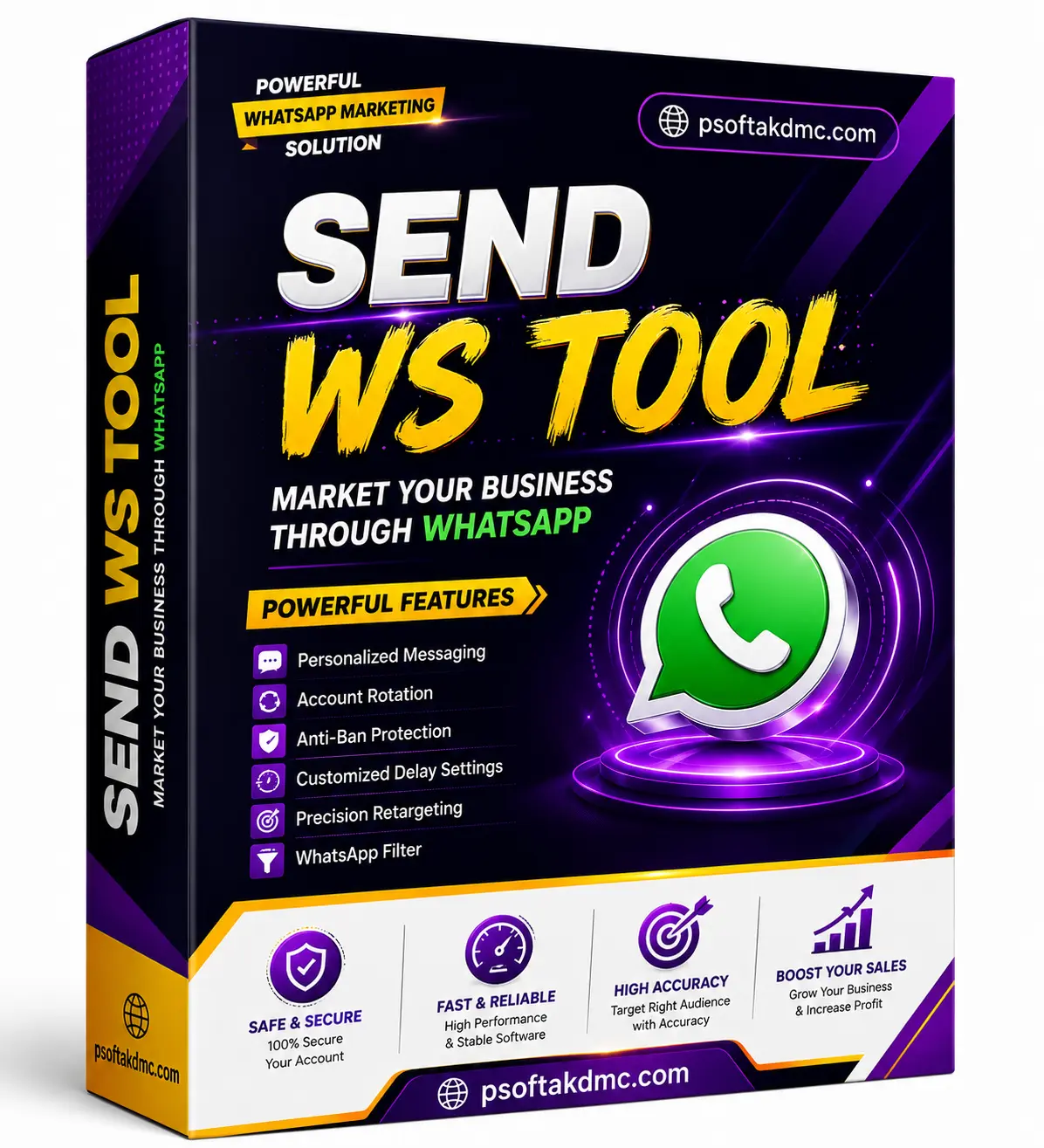
WSTOOL PRO — Send Bulk WhatsApp Messages to Unlimited Contacts Without Saving Numbers
WSTOOL PRO is one of the most popular WhatsApp bulk sender programs. Send unlimited personalized messages to contacts — even unsaved ones — simply by importing a list of phone numbers. No broadcast lists needed.

What Is WSTOOL PRO?
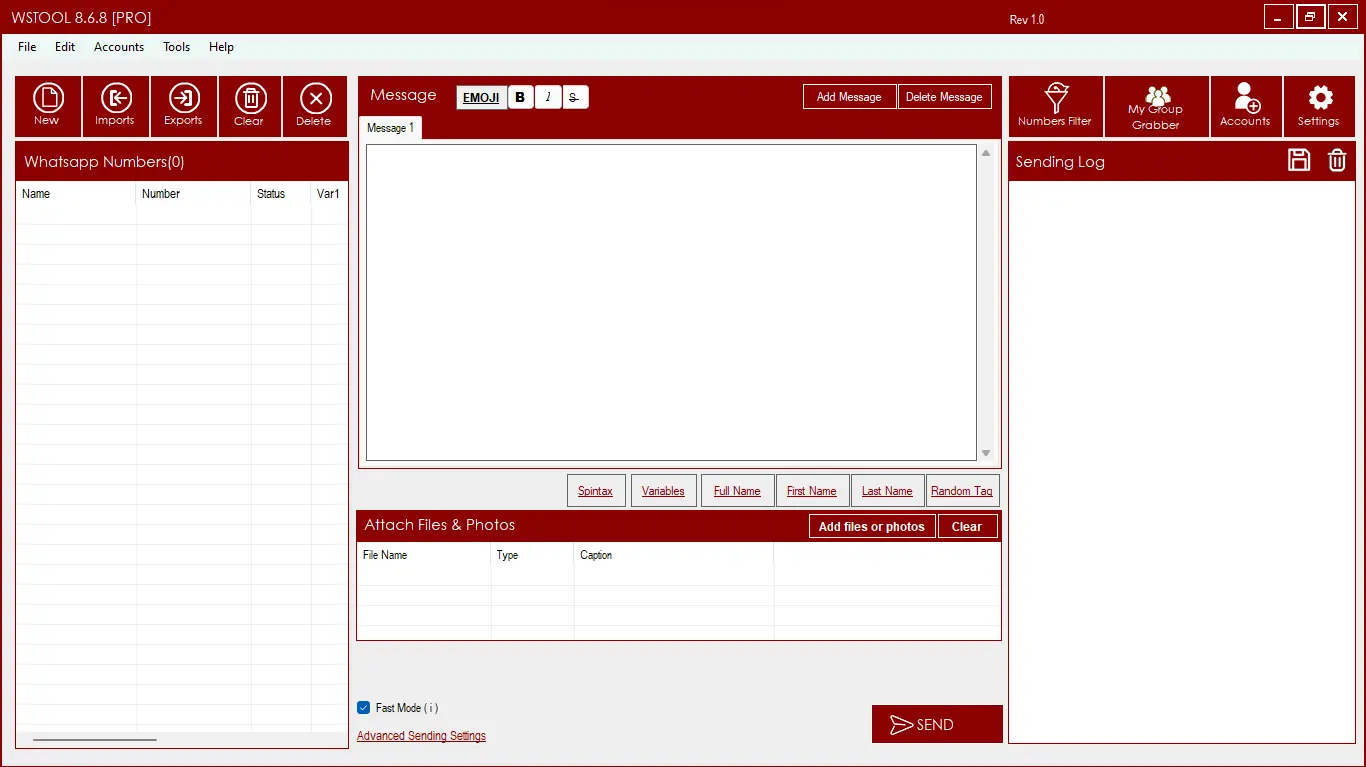
WSTOOL PRO is a Windows desktop application designed for marketers, businesses, and entrepreneurs who need to send WhatsApp messages to large contact lists — fast and without friction. Import phone numbers from CSV, Excel or TXT, personalize every message with custom variables, and send to hundreds or thousands of contacts in just a few clicks through WhatsApp Web.
Key Features
Bulk Message Sending
Send unlimited WhatsApp messages to large contact lists with a single click — no broadcast list setup required.
Send to Unsaved Contacts
Message any phone number directly — no need to save contacts to your phone's address book before sending.
Import from CSV, Excel & TXT
Import contact lists from CSV, Excel spreadsheets, or plain TXT files — or enter contacts manually if preferred.
Personalized Messages
Use up to 5 custom variables per contact (e.g. FullName, City) that auto-insert into each message for a personal touch.
Rich Media Support
Send text with emojis, bold/italic formatting, clickable links, images, and other media-rich content types.
Message Delay & Sleep Settings
Add custom delays between messages (2–3 seconds recommended) and activate sleep periods to reduce ban risk.
WhatsApp Web QR Login
Simply scan the QR code from your phone's WhatsApp app — no API keys, no third-party access needed.
Anti-Ban Advanced Settings
Built-in delay controls, sleep mode between sends, and familiar account dialog options to protect your WhatsApp account.
Advanced Settings Control
Full control over send speed, delay intervals, and account behavior — configure for safety or speed as needed.
How to Use WSTOOL PRO — Step by Step
Install WSTOOL PRO on Your PC
Download and install WSTOOL PRO on your Windows PC. Compatible with Windows 11, 10, and 8. If Windows SmartScreen appears, click "More Info" then "Run anyway" to proceed.

Import Your Contact List
Click the Imports button and choose your import mode — from a CSV, Excel or TXT file, or enter contacts manually. For Excel, put phone numbers (with country code) in one column, followed by name and up to 5 custom variables. The PRO version unlocks unlimited contact imports.


Write & Personalize Your Message
Type your message in the text box. Insert variables like FullName to personalize each message automatically. Add emojis, bold/italic text, and links to make messages more engaging. Then click SEND to begin delivery.
Scan QR Code & Start Sending
The program automatically opens WhatsApp Web in Chrome. Scan the QR code from your phone (WhatsApp → Settings → Linked Devices) and messages will be sent to all contacts one by one. Configure Advanced Settings to add delays and sleep periods for safer delivery.

Who Should Use WSTOOL PRO
- Digital marketers & agencies
- E-commerce & product sellers
- Lead generation & sales teams
- Event promoters & organisers
- Real estate agents
- Any business doing WhatsApp outreach
Frequently Asked Questions
WSTOOL PRO is a WhatsApp bulk sender software for Windows that lets you send personalized messages to unlimited contacts — including unsaved numbers — by importing lists from CSV, Excel, or TXT files, through WhatsApp Web.
No. WSTOOL PRO can send messages to any phone number without saving it to your contacts first — one of its biggest advantages over standard WhatsApp broadcast lists.
You can import contacts from CSV files, Excel spreadsheets (.xlsx), or plain TXT files. Contacts can also be entered manually. Each contact can have up to 5 custom variables alongside their phone number.
Yes. WSTOOL PRO supports up to 5 custom variables per contact (such as FullName, City, Product). These variables are automatically inserted into each message, making bulk campaigns feel personal.
WSTOOL PRO includes anti-ban settings — it's recommended to add a delay of at least 2–3 seconds between messages, activate sleep periods during sending, and use the familiar accounts dialog option. Following these settings significantly reduces ban risk.
WSTOOL PRO is fully compatible with Windows 11, Windows 10, and Windows 8. A separate Mac version (WhatsApp Bulk Sender for Mac) is available for macOS users.
Yes — message us on WhatsApp any time for installation help, setup guidance, or any usage questions after your purchase.
You may also like



Best Multi-Account WhatsApp CRM – WaCRM for Bulk Messaging
Original price was: $ 25.$ 15Current price is: $ 15.

Reviews
Clear filtersThere are no reviews yet.