

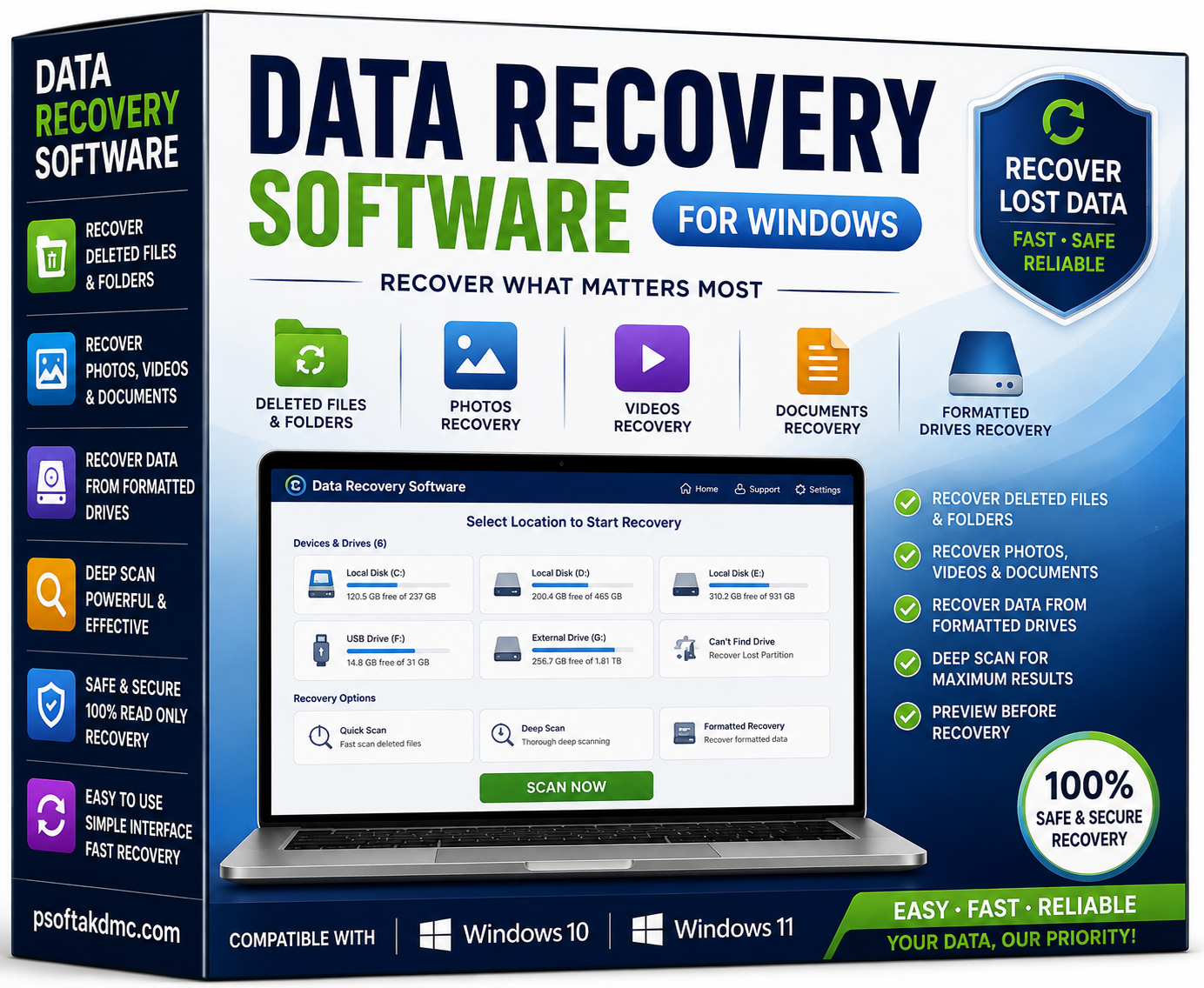

Data Recovery Software
Data Recovery Software is designed to help Windows users recover lost or deleted files from formatted drives. The software supports Windows 10 and Windows 11 and can help recover different types of personal and business data, including deleted files and folders, photos, videos, and documents.
Whether files were accidentally deleted or a drive was formatted, this data recovery solution provides a practical way to scan supported storage and search for recoverable files.
Key Features of Data Recovery Software
Recover Deleted Files & Folders
Recover supported files and folders that have been accidentally deleted from Windows storage devices.
Recover Photos, Videos & Documents
The software can help locate recoverable photos, videos, documents, and other supported files, making it useful for personal, office, and business data recovery situations.
Recover Data from Formatted Drives
If a supported drive has been formatted and important files are no longer accessible, the software can scan the drive for potentially recoverable data.
Windows 10 & Windows 11 Support
The software is designed for computers running:
- Windows 10
- Windows 11
Compatibility may depend on the specific system configuration and storage device.
When Can You Use Data Recovery Software?
Data loss can happen for many reasons. This software is designed for situations such as:
- Accidentally deleted files
- Deleted folders
- Lost photos
- Missing videos
- Deleted documents
- Formatted drives
- Unexpected data loss from supported Windows storage
The possibility of successful recovery depends on factors such as the storage device, file system, amount of overwriting, and condition of the drive.
Why Choose Data Recovery Software?
A simple and focused recovery solution can make it easier to search for lost information without manually checking storage locations one by one.
Main Benefits
- Recover deleted files and folders
- Recover photos and videos
- Recover documents
- Scan formatted drives for potentially recoverable data
- Designed for Windows 10
- Designed for Windows 11
- Useful for personal and business data recovery
- Easy solution for common data-loss situations
Data Recovery for Windows Users
If important files have been deleted or a drive has been formatted, recovering the data quickly can be important. Data Recovery Software for Windows 10 and Windows 11 provides a way to scan supported storage and identify files that may still be recoverable.
For the best chance of recovery, avoid saving new data to the affected drive before attempting recovery, because new data may overwrite previously deleted information.
Recover Photos, Videos & Documents
Photos, videos, and documents can contain valuable personal or business information. Data Recovery Software can help search supported storage for recoverable files and provide a convenient recovery workflow.
Recovery results can vary depending on the condition of the storage device and whether the deleted data has been overwritten.
Recover Data from Formatted Drives
Formatting a drive can make previously stored files inaccessible. Data Recovery Software is designed to scan supported formatted drives and search for recoverable information.
For best results, stop using the formatted drive as soon as possible and avoid writing additional data to it.
Important Recovery Notice
No data recovery software can guarantee recovery of every deleted or formatted file. Successful recovery depends on the condition of the storage device, file system, overwriting, formatting method, and other technical factors.
Always keep regular backups of important files to reduce the risk of permanent data loss.
Frequently Asked Questions
What is Data Recovery Software?
Data Recovery Software is a Windows-based solution designed to help users search for and recover potentially recoverable deleted files, folders, photos, videos, and documents.
Can this software recover deleted files?
Yes. The software is designed to recover supported deleted files and folders from compatible Windows storage devices.
Can it recover photos and videos?
Yes. The software supports recovery of photos, videos, and documents according to the supplied product features.
Can the software recover data from a formatted drive?
Yes. The software is designed to scan formatted drives and search for potentially recoverable files.
Which Windows versions are supported?
The software supports Windows 10 and Windows 11.
Can every deleted file be recovered?
No. Recovery is not guaranteed. The possibility of successful recovery depends on factors including whether the deleted data has been overwritten and the condition of the storage device.
What should I do after accidentally deleting important files?
Avoid writing new files to the affected storage device whenever possible. Continued use can overwrite deleted data and reduce the chance of successful recovery.
Is Data Recovery Software useful for business files?
Yes. It can be useful for attempting to recover supported business documents and other files after accidental deletion or formatting.


Related products

Bulk Email Sender Software Reseller
Here’s a concise, conversion-focused short description with the SEO + GEO + AI-search + Rank Math approach:
Bulk Email Sender Software Reseller is a practical email marketing solution for resellers, agencies, freelancers, and businesses. Manage bulk email campaigns, organize recipient lists, and streamline customer outreach with reliable Bulk Email Sender Software for digital marketing services.
If you want, I can also make the short description more sales-focused or more keyword-focused.

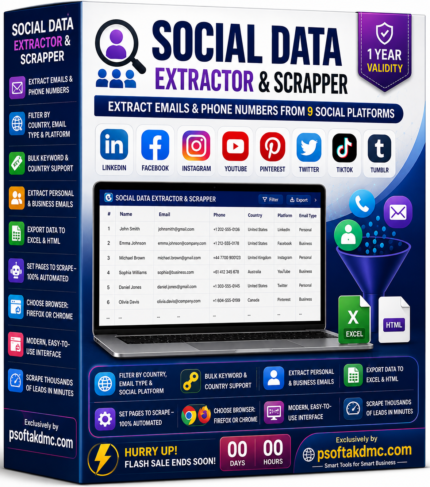
Social Data Extractor & Scrapper for Lead Generation
Social Data Extractor & Scrapper helps marketers, agencies, and businesses collect available emails and phone numbers from supported social platforms. Filter by country, email type, and platform, automate page scraping, and export results to Excel or HTML. Includes 1-year validity and supports Chrome or Firefox.

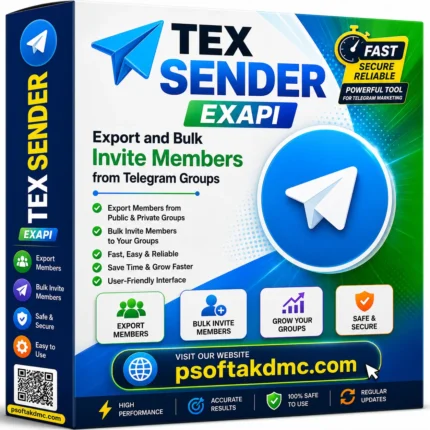
TEX API – Telegram Group Member Export & Bulk Invite Tool
TEX API is a powerful Telegram marketing software designed to help you export members from public and private Telegram groups and bulk invite them to your own groups with ease. The software offers fast, secure, and reliable member management, making it an ideal solution for digital marketers, agencies, businesses, and community managers. With its user-friendly interface and high-speed performance, TEX API saves time while helping you grow your Telegram communities efficiently.


Reviews
There are no reviews yet.